
Download iTunes Multialarm – Custom Alarm, Music Wake-Up, Daily Scheduling
Overview
The iTunes Multialarm is a specialized utility designed to transform the traditional alarm experience by integrating with the iTunes music library. Its primary purpose is to allow users to wake up to their preferred songs instead of harsh, generic alarm tones. This approach aims to reduce morning stress and improve mood by replacing abrupt noise with familiar, enjoyable music. The app is particularly useful for individuals who find conventional alarms disruptive or unpleasant, especially those seeking a gentler, more personalized start to their day.
Target users include music lovers, routine-oriented individuals, and anyone looking to enhance their morning rituals with a more pleasant auditory experience. By enabling customized alarm schedules per day of the week, the app supports varying work, school, or personal schedules, making it suitable for students, professionals, and shift workers alike. The app leverages existing iTunes libraries, eliminating the need for additional music storage or subscriptions.
Although the developer’s background is not publicly detailed, the app’s long-standing presence since its release on March 9, 2011, suggests a stable, niche-focused tool within the productivity and utility space. Its continued relevance points to a dedicated user base that values its core functionality. In the broader app ecosystem, iTunes Multialarm fills a unique gap by bridging desktop music management with alarm functionality, offering a simple yet effective solution for a common daily challenge.
Key Features & Functionality
- Customizable Alarm Times per Day: Set unique wake-up times for each day of the week, accommodating different schedules such as early mornings on weekdays and later wake-ups on weekends.
- Music Wake-Up Calls from iTunes Library: Select any song from your iTunes collection to play as your alarm, ensuring a personalized and enjoyable start to the day.
- User-Friendly Interface: The app provides an intuitive layout that simplifies alarm setup and management without requiring technical expertise.
- Bedtime Comfort and Gentle Wake-Up: Replaces jarring alarm sounds with music, reducing morning anxiety and promoting a calmer transition from sleep to wakefulness.
- Seamless iTunes Integration: Direct access to the user’s iTunes library allows for quick and effortless song selection, minimizing setup friction.
For example, a college student could set an alarm for 7:30 AM on Mondays through Fridays, playing their favorite playlist, while scheduling a 9:00 AM alarm on Saturdays with a different genre. The integration ensures that even large music libraries are accessible without additional configuration. This level of customization supports real-life routines where consistency and personalization are key. The app’s functionality is straightforward but effective, making it ideal for users who prioritize mood and routine over advanced automation.
Interface, UX & Performance
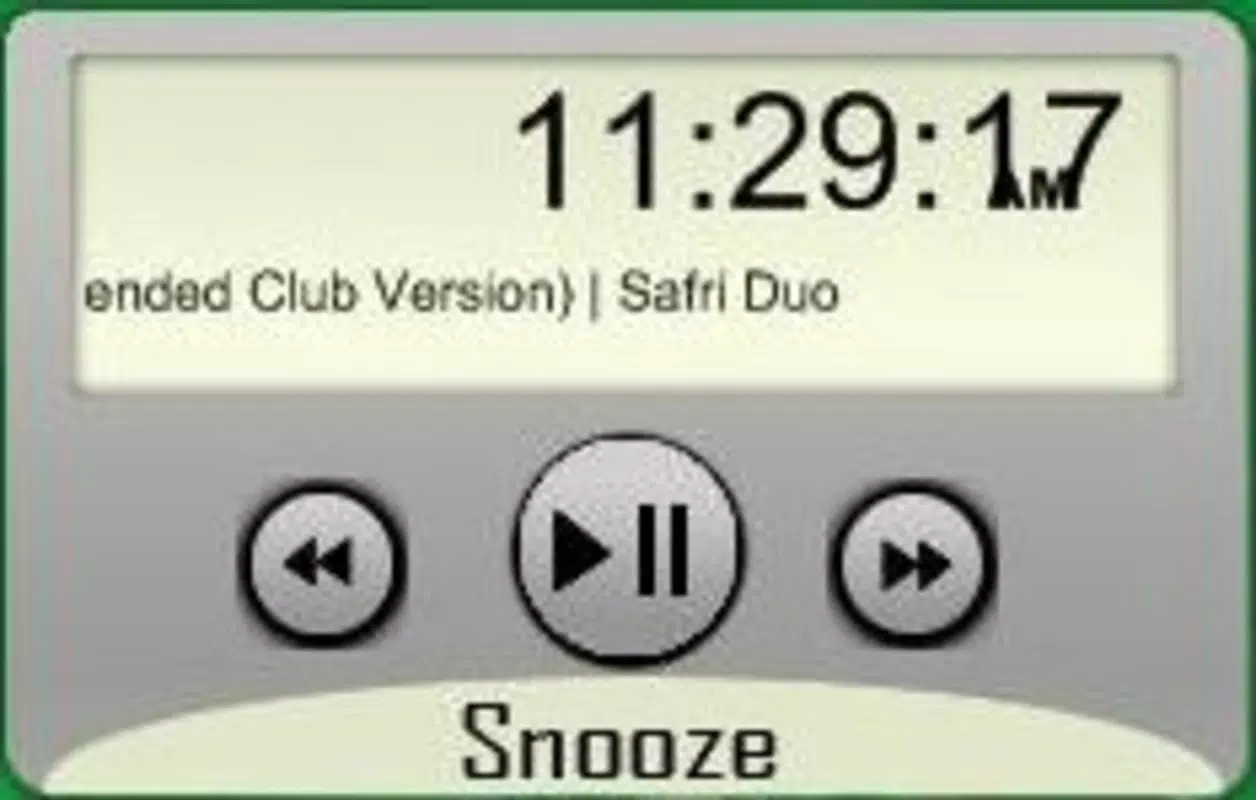
The interface of iTunes Multialarm is designed with simplicity and clarity in mind, focusing on essential functions without clutter. Users are presented with a clean calendar-style layout that allows for easy assignment of alarm times to specific days. Navigation is linear and predictable, with clear labels and visual cues guiding users through each step of the setup process.
Interaction is minimal but effective—users can tap to select a day, choose a time, and pick a song from their iTunes library. The design emphasizes usability over visual flair, prioritizing function over aesthetics. While the app does not feature modern animations or dynamic transitions, its straightforward approach ensures accessibility for users of all technical skill levels.
Although the developer did not list formal performance metrics, the app’s lightweight nature and reliance on existing iTunes infrastructure suggest stable operation across compatible systems. Responsiveness is expected to be consistent, given its focused scope and minimal background processes. Stability appears to be a strength, as the app has remained functional since its 2011 release. No reports of crashes or memory issues were found in available documentation.
Platform Compatibility & Technical Requirements
iTunes Multialarm is designed for use on macOS, leveraging the native integration with Apple’s iTunes application. The app requires a compatible version of macOS to operate, though specific OS requirements were not listed by the developer. The file size is reported as 2.8 MB, indicating a lightweight installation that does not strain system resources.
Compatibility with newer macOS versions or Apple Silicon (M1/M2) chips is not confirmed. Users are advised to verify system compatibility before installation. The app does not appear to be available on iOS or other platforms, reinforcing its role as a desktop-focused utility. Given its release date in 2011, users should assess whether their current system supports legacy applications.
Pros and Cons
- Offers a gentle, music-based alternative to traditional alarm sounds
- Enables personalized wake-up times for each day of the week
- Seamlessly integrates with existing iTunes libraries
- Simple, intuitive interface suitable for non-technical users
- Lightweight file size (2.8 MB) with minimal system impact
- Released in 2011; may lack modern interface updates
- Not available on iOS or mobile platforms
- Dependent on iTunes, which is being phased out on newer macOS versions
- Specific OS compatibility details not disclosed
- Limited to desktop use, reducing portability
FAQ
Is iTunes Multialarm free to download?
The pricing information was not provided in the available documentation. Users should check the official source for current pricing and availability.
Can I use this app on my iPhone or iPad?
iTunes Multialarm is not available on iOS. It is designed exclusively for macOS and requires a desktop environment with iTunes installed.
Does the app work with Apple Music?
The app integrates with iTunes, but compatibility with Apple Music is not confirmed. Since Apple Music operates differently from iTunes, functionality may be limited or unavailable.
Is the app secure to install?
As a legacy application released in 2011, users should ensure they download the app from a trusted source. Always verify file integrity and scan for malware before installation.
How do I update the app?
Since the developer did not provide update information, users should check the official website or distribution platform for the latest version. Manual updates may be required.
Final Thoughts & CTA
iTunes Multialarm remains a niche but valuable tool for users who value a calm, music-driven wake-up experience. While its age is evident in its design and platform limitations, its core functionality—custom alarms tied to personal music—remains relevant. It excels for individuals with a well-organized iTunes library who want a simple, reliable way to start their day with joy rather than stress.
Despite the absence of modern features and mobile support, the app delivers consistent performance and ease of use. For those still running macOS with iTunes, it offers a secure, lightweight solution that requires no subscription or additional setup. Its simplicity is its strength.
Download iTunes Multialarm now and transform your mornings into a personal concert. Start your day with music you love—effortlessly and reliably.


